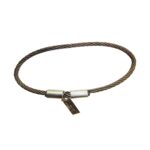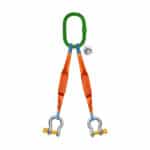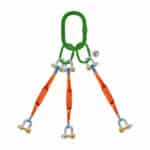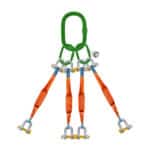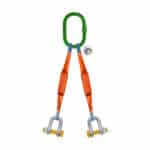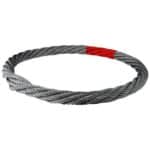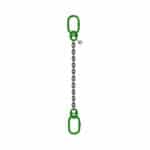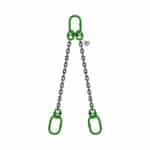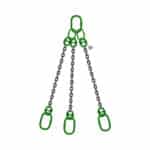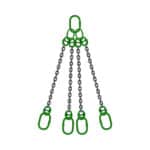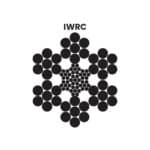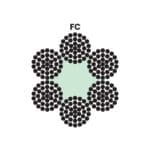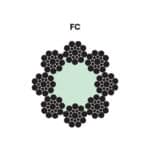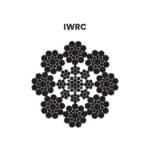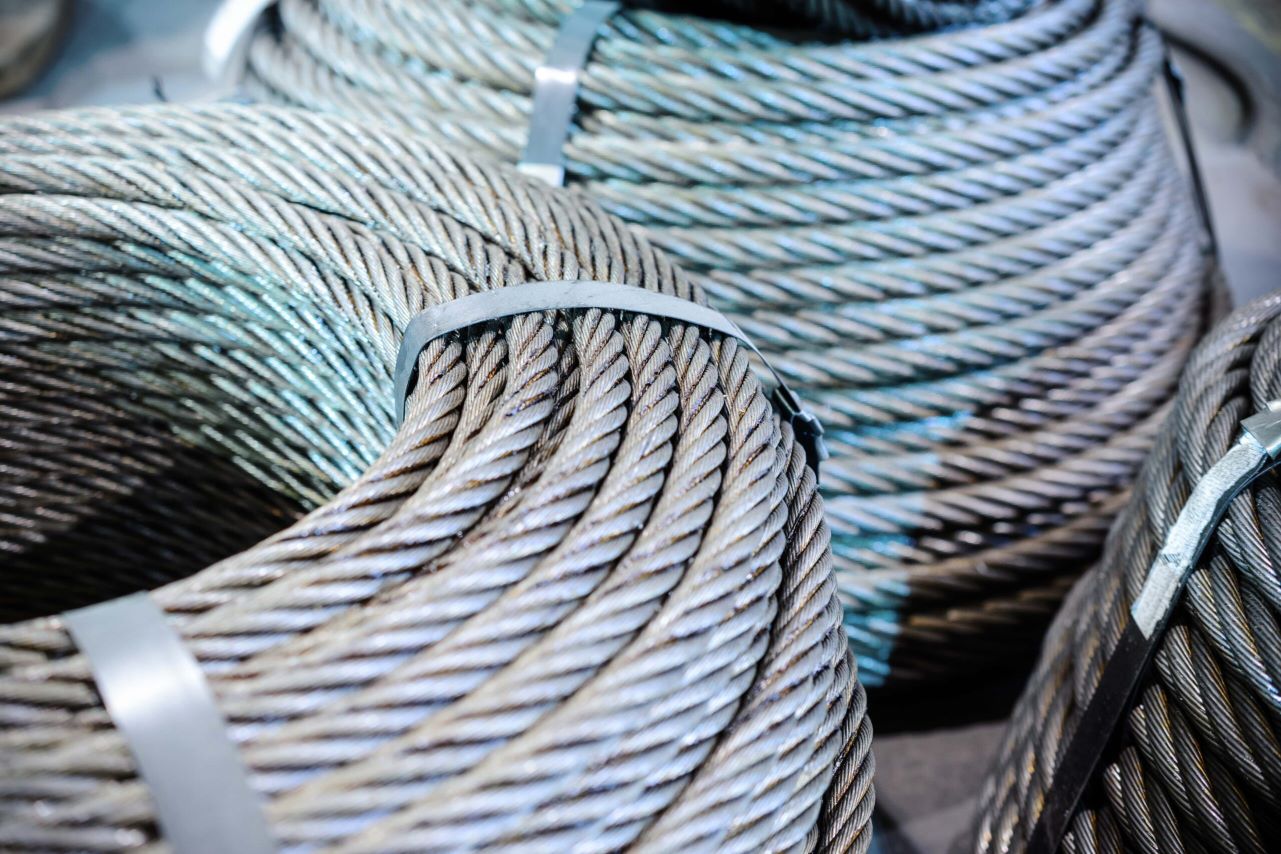
4X7 (1-6)+FC Steel Wire Rope: In the world of industrial lifting, rigging, and mechanical movement, choosing the right steel wire rope is crucial for safety, efficiency, and equipment longevity. Among the many configurations available, the 4X7 (1-6) + FC steel wire rope stands out for its high flexibility, smooth operation, and adaptability to light-to-medium duty applications.
At SSTC (Safe and Secure Trading Company), a trusted supplier of industrial materials across Saudi Arabia, we are committed to providing premium-grade wire ropes that comply with global standards and cater to the Kingdom’s diverse industries, from oil & gas to infrastructure.
This in-depth guide explores the construction, features, key benefits, and buying tips for the 4X7 (1-6) + FC wire rope to help engineers, procurement officers, and safety supervisors make informed decisions.
Understanding 4X7 (1-6) + FC Wire Rope Construction
To begin, it’s essential to break down the technical specification to understand what makes this rope unique.
Construction Breakdown:
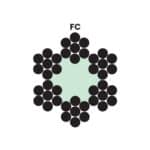
4X7: This means the rope is made of 4 strands, and each strand contains 7 wires.
(1-6): Each strand has 1 central wire surrounded by 6 outer wires, forming a simple yet effective helical pattern.
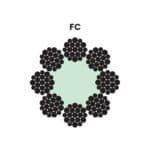
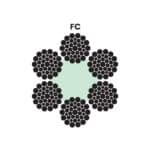
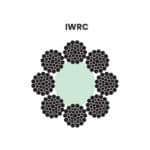
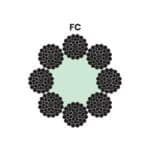
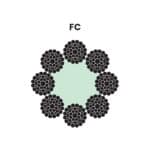
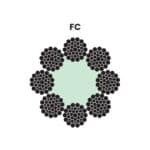
+ FC: Indicates a Fiber Core, typically made of natural or synthetic materials, offering excellent flexibility and shock absorption.
This rope is classified as low wire count, making it more supple and ideal for short cycle, highly repetitive, or tight radius applications.
Applications of 4X7 + FC Wire Rope in Saudi Arabia
The 4X7 (1-6) + FC configuration is a top pick for specific industrial and mechanical uses where flexibility and kink resistance are more valuable than high tensile strength. Some common applications in the Kingdom include:
Light-Duty Lifting
Used in rescue operations, winches, small cranes, and boat davits.
Agriculture & Greenhouse Equipment
Perfect for hoisting, support cables, and guiding systems in farming automation.
Security Cables & Control Lines
Ideal for theater rigging, gym equipment, curtain systems, and overhead rail systems.
Elevator & Pulley Systems
In commercial buildings and residential towers, especially in Jeddah, Riyadh, and Dammam, where flexibility is critical in small pulley setups.
Key Features of 4X7 (1-6) + FC Wire Rope
Simplicity in construction offers several unique benefits for the right application environment. Here’s what makes this wire rope a versatile choice:
Feature
Advantage
High Flexibility
Easily bends around pulleys and drums with tight radii
Fiber Core (FC)
Provides better internal cushioning and reduces internal friction
Low Wire Count
Simplifies inspection and reduces chances of internal breaks
Lightweight
Ideal for portable and temporary applications
Smooth Surface
Causes less abrasion to mating components
Cost-Effective
Affordable for light-duty or short-span installations
SSTC’s Commitment to Quality and Responsibility
At SSTC, we maintain strict quality control to ensure all steel wire ropes conform to ISO, BS EN, and ASTM standards. Our responsibilities include:
Supplying traceable ropes with batch-level documentation
Offering certifications like Mill Test Certificates (MTC), Load Test Reports, and Conformance Certificates
Advising clients on correct usage, diameter, and safety load ratings
Custom packaging and labeling based on project requirements
Post-sale support for inspections and safe handling practices
Whether you’re operating in Jubail Industrial City, Yanbu, or the Red Sea Project, SSTC is your reliable partner.
4X7 (1-6)+FC Steel Wire Rope: Features, Benefits, and Buying Tips
Buying Tips: What to Know Before Purchasing 4X7 + FC Rope
Purchasing the right wire rope requires understanding load, environment, and usage frequency. Here are essential buying tips:
1. Diameter and Drum Compatibility
Ensure the selected rope diameter is compatible with the sheave or drum grooves. Improper matching can lead to premature wear or rope failure.

2. Tensile Strength Requirements
Though 4X7 + FC is not the highest in strength, it should still meet your SWL (Safe Working Load) and breaking force needs with a safety factor of 5:1 or more.
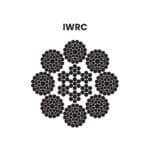
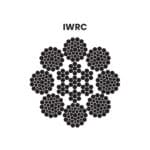
3. Core Selection: FC vs IWRC
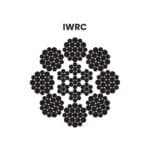
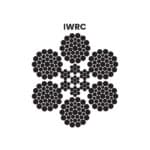
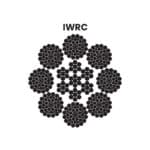
Fiber core is ideal for lighter loads and more flexible movement. If you need higher tensile strength, explore IWRC (Independent Wire Rope Core) options.
4. Environment Suitability
If you’re operating in marine, humid, or chemical-exposed environments, opt for galvanized or stainless steel variations.
5. Rope Finish
Ungalvanized (black): More flexible and cost-effective.
Galvanized: Corrosion-resistant and suitable for outdoor or marine use.
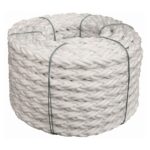
6. Packaging & Cut Length
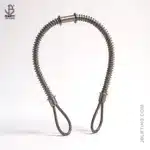
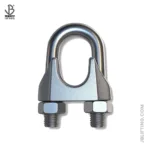
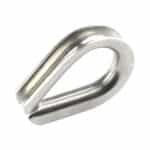
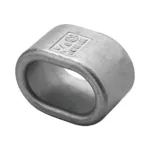
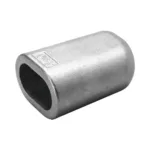
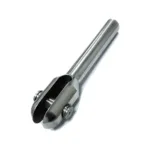
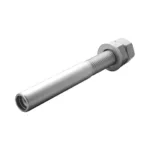
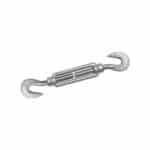
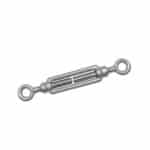
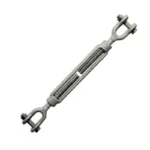
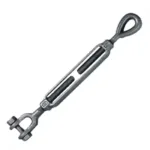
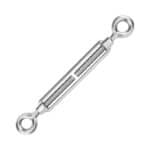
Specify whether you need coils, custom cut lengths, or complete assemblies with fittings such as thimbles, hooks, or turnbuckles.
Safety & Maintenance Tips
Using and maintaining wire rope responsibly is vital for worker safety and equipment longevity. SSTC promotes safe use through training and guidance.
Inspection Tips:
Look for broken wires, rust, crushed areas, or excessive stretch.
Ensure lubrication is present and consistent.
Always store in a dry, shaded place away from corrosive chemicals.
Avoid:
Overloading
Kinking or twisting
Using damaged pulleys or drums
Ignoring replacement schedules
Proper handling = longer life + safer operations.
Final Thoughts
The 4X7 (1-6) + FC steel wire rope is a smart and economical solution for industrial applications requiring high flexibility and ease of movement. From agriculture to stage rigging to elevator lines, it delivers smooth performance, low maintenance, and versatile use.
At SSTC, we go beyond supplying products—we provide solutions, technical support, and commitment to safety and quality. When you work with us, you gain a partner that understands the critical nature of industrial rigging and lifting in the Kingdom of Saudi Arabia.
This mode enables people with epilepsy to use the website safely by eliminating the risk of seizures that result from flashing or blinking animations and risky color combinations.
Visually Impaired Mode
Improves website's visuals
This mode adjusts the website for the convenience of users with visual impairments such as Degrading Eyesight, Tunnel Vision, Cataract, Glaucoma, and others.
Cognitive Disability Mode
Helps to focus on specific content
This mode provides different assistive options to help users with cognitive impairments such as Dyslexia, Autism, CVA, and others, to focus on the essential elements of the website more easily.
ADHD Friendly Mode
Reduces distractions and improve focus
This mode helps users with ADHD and Neurodevelopmental disorders to read, browse, and focus on the main website elements more easily while significantly reducing distractions.
Blindness Mode
Allows using the site with your screen-reader
This mode configures the website to be compatible with screen-readers such as JAWS, NVDA, VoiceOver, and TalkBack. A screen-reader is software for blind users that is installed on a computer and smartphone, and websites must be compatible with it.
Online Dictionary
Readable Experience
Content Scaling
Default
Text Magnifier
Readable Font
Dyslexia Friendly
Highlight Titles
Highlight Links
Font Sizing
Default
Line Height
Default
Letter Spacing
Default
Left Aligned
Center Aligned
Right Aligned
Visually Pleasing Experience
Dark Contrast
Light Contrast
Monochrome
High Contrast
High Saturation
Low Saturation
Adjust Text Colors
Adjust Title Colors
Adjust Background Colors
Easy Orientation
Mute Sounds
Hide Images
Hide Emoji
Reading Guide
Stop Animations
Reading Mask
Highlight Hover
Highlight Focus
Big Dark Cursor
Big Light Cursor
Cognitive Reading
Virtual Keyboard
Navigation Keys
Voice Navigation
Accessibility Statement
safeandsecureksa.com
6 April 2026
Compliance status
We firmly believe that the internet should be available and accessible to anyone, and are committed to providing a website that is accessible to the widest possible audience,
regardless of circumstance and ability.
To fulfill this, we aim to adhere as strictly as possible to the World Wide Web Consortium’s (W3C) Web Content Accessibility Guidelines 2.1 (WCAG 2.1) at the AA level.
These guidelines explain how to make web content accessible to people with a wide array of disabilities. Complying with those guidelines helps us ensure that the website is accessible
to all people: blind people, people with motor impairments, visual impairment, cognitive disabilities, and more.
This website utilizes various technologies that are meant to make it as accessible as possible at all times. We utilize an accessibility interface that allows persons with specific
disabilities to adjust the website’s UI (user interface) and design it to their personal needs.
Additionally, the website utilizes an AI-based application that runs in the background and optimizes its accessibility level constantly. This application remediates the website’s HTML,
adapts Its functionality and behavior for screen-readers used by the blind users, and for keyboard functions used by individuals with motor impairments.
If you’ve found a malfunction or have ideas for improvement, we’ll be happy to hear from you. You can reach out to the website’s operators by using the following email
Screen-reader and keyboard navigation
Our website implements the ARIA attributes (Accessible Rich Internet Applications) technique, alongside various different behavioral changes, to ensure blind users visiting with
screen-readers are able to read, comprehend, and enjoy the website’s functions. As soon as a user with a screen-reader enters your site, they immediately receive
a prompt to enter the Screen-Reader Profile so they can browse and operate your site effectively. Here’s how our website covers some of the most important screen-reader requirements,
alongside console screenshots of code examples:
Screen-reader optimization: we run a background process that learns the website’s components from top to bottom, to ensure ongoing compliance even when updating the website.
In this process, we provide screen-readers with meaningful data using the ARIA set of attributes. For example, we provide accurate form labels;
descriptions for actionable icons (social media icons, search icons, cart icons, etc.); validation guidance for form inputs; element roles such as buttons, menus, modal dialogues (popups),
and others. Additionally, the background process scans all the website’s images and provides an accurate and meaningful image-object-recognition-based description as an ALT (alternate text) tag
for images that are not described. It will also extract texts that are embedded within the image, using an OCR (optical character recognition) technology.
To turn on screen-reader adjustments at any time, users need only to press the Alt+1 keyboard combination. Screen-reader users also get automatic announcements to turn the Screen-reader mode on
as soon as they enter the website.
These adjustments are compatible with all popular screen readers, including JAWS and NVDA.
Keyboard navigation optimization: The background process also adjusts the website’s HTML, and adds various behaviors using JavaScript code to make the website operable by the keyboard. This includes the ability to navigate the website using the Tab and Shift+Tab keys, operate dropdowns with the arrow keys, close them with Esc, trigger buttons and links using the Enter key, navigate between radio and checkbox elements using the arrow keys, and fill them in with the Spacebar or Enter key.Additionally, keyboard users will find quick-navigation and content-skip menus, available at any time by clicking Alt+1, or as the first elements of the site while navigating with the keyboard. The background process also handles triggered popups by moving the keyboard focus towards them as soon as they appear, and not allow the focus drift outside it.
Users can also use shortcuts such as “M” (menus), “H” (headings), “F” (forms), “B” (buttons), and “G” (graphics) to jump to specific elements.
Disability profiles supported in our website
Epilepsy Safe Mode: this profile enables people with epilepsy to use the website safely by eliminating the risk of seizures that result from flashing or blinking animations and risky color combinations.
Visually Impaired Mode: this mode adjusts the website for the convenience of users with visual impairments such as Degrading Eyesight, Tunnel Vision, Cataract, Glaucoma, and others.
Cognitive Disability Mode: this mode provides different assistive options to help users with cognitive impairments such as Dyslexia, Autism, CVA, and others, to focus on the essential elements of the website more easily.
ADHD Friendly Mode: this mode helps users with ADHD and Neurodevelopmental disorders to read, browse, and focus on the main website elements more easily while significantly reducing distractions.
Blindness Mode: this mode configures the website to be compatible with screen-readers such as JAWS, NVDA, VoiceOver, and TalkBack. A screen-reader is software for blind users that is installed on a computer and smartphone, and websites must be compatible with it.
Keyboard Navigation Profile (Motor-Impaired): this profile enables motor-impaired persons to operate the website using the keyboard Tab, Shift+Tab, and the Enter keys. Users can also use shortcuts such as “M” (menus), “H” (headings), “F” (forms), “B” (buttons), and “G” (graphics) to jump to specific elements.
Additional UI, design, and readability adjustments
Font adjustments – users, can increase and decrease its size, change its family (type), adjust the spacing, alignment, line height, and more.
Color adjustments – users can select various color contrast profiles such as light, dark, inverted, and monochrome. Additionally, users can swap color schemes of titles, texts, and backgrounds, with over seven different coloring options.
Animations – person with epilepsy can stop all running animations with the click of a button. Animations controlled by the interface include videos, GIFs, and CSS flashing transitions.
Content highlighting – users can choose to emphasize important elements such as links and titles. They can also choose to highlight focused or hovered elements only.
Audio muting – users with hearing devices may experience headaches or other issues due to automatic audio playing. This option lets users mute the entire website instantly.
Cognitive disorders – we utilize a search engine that is linked to Wikipedia and Wiktionary, allowing people with cognitive disorders to decipher meanings of phrases, initials, slang, and others.
Additional functions – we provide users the option to change cursor color and size, use a printing mode, enable a virtual keyboard, and many other functions.
Browser and assistive technology compatibility
We aim to support the widest array of browsers and assistive technologies as possible, so our users can choose the best fitting tools for them, with as few limitations as possible. Therefore, we have worked very hard to be able to support all major systems that comprise over 95% of the user market share including Google Chrome, Mozilla Firefox, Apple Safari, Opera and Microsoft Edge, JAWS and NVDA (screen readers).
Notes, comments, and feedback
Despite our very best efforts to allow anybody to adjust the website to their needs. There may still be pages or sections that are not fully accessible, are in the process of becoming accessible, or are lacking an adequate technological solution to make them accessible. Still, we are continually improving our accessibility, adding, updating and improving its options and features, and developing and adopting new technologies. All this is meant to reach the optimal level of accessibility, following technological advancements. For any assistance, please reach out to