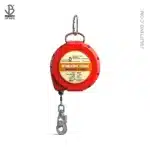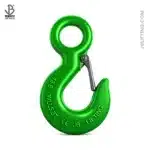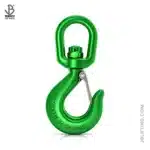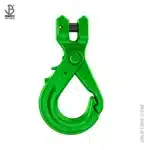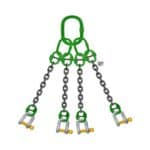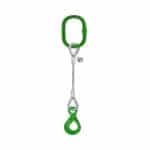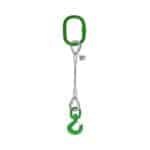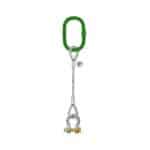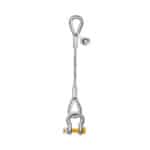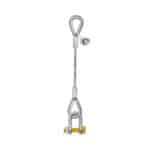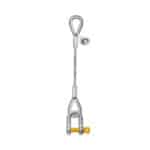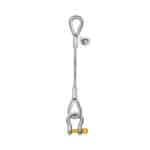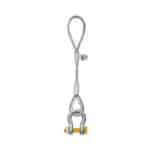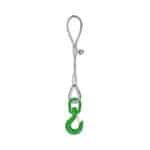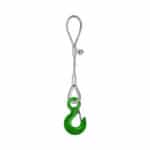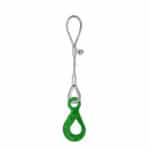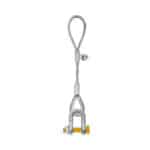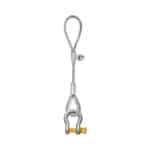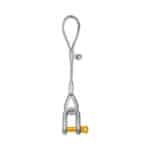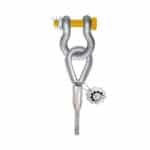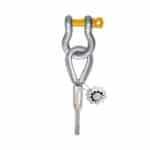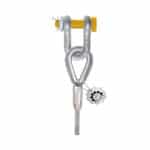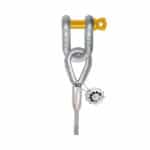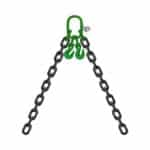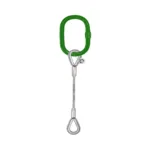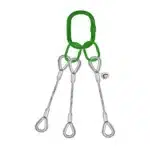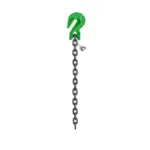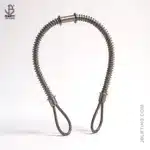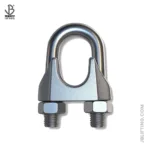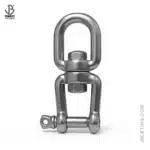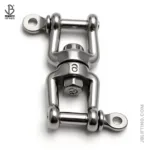
Top Industrial Uses for Twist Lock Auto Carabiners in 2025-26: In the world of industrial safety, every component matters. One such unsung hero is the Twist Lock Auto Carabiner; a small yet vital connector used in numerous applications where strength, security, and speed are essential. Whether it’s for fall protection, confined space access, rigging, or rescue, auto-locking carabiners ensure maximum safety with minimal effort.
At SSTC (Safe and Secure Trading Company) in the Kingdom of Saudi Arabia (KSA), we supply certified industrial-grade twist lock auto carabiners that meet the evolving safety needs of modern industry. In this guide, we’ll explore the top industrial uses, key features, and important buying tips for 2025–26, helping you make informed and compliant decisions for your safety gear inventory.
What Is a Twist Lock Auto Carabiner?
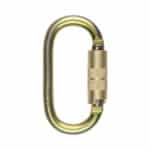
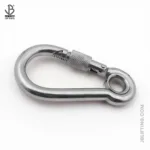
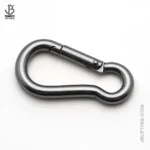
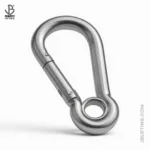
A Twist Lock Auto Carabiner is a spring-loaded metal loop with a twist-to-open locking gate. Unlike traditional screw-gate carabiners, twist lock carabiners automatically lock once released, reducing the risk of accidental opening.
Key Benefits:
Quick and secure one-handed operation
Reduced human error
Auto-locking for continuous safety
High load-bearing capacity
They are typically made of anodized aluminum or steel, and are certified under EN 362, ANSI Z359.12, or NFPA standards.
Why Use Twist Lock Auto Carabiners in Industrial Settings?
Industrial environments in Saudi Arabia—especially in construction, oil & gas, logistics, rescue operations, and manufacturing—demand durable and reliable equipment. Twist lock carabiners offer:
Quick operation under pressure
Corrosion resistance in harsh weather
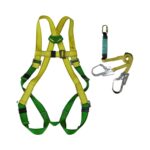
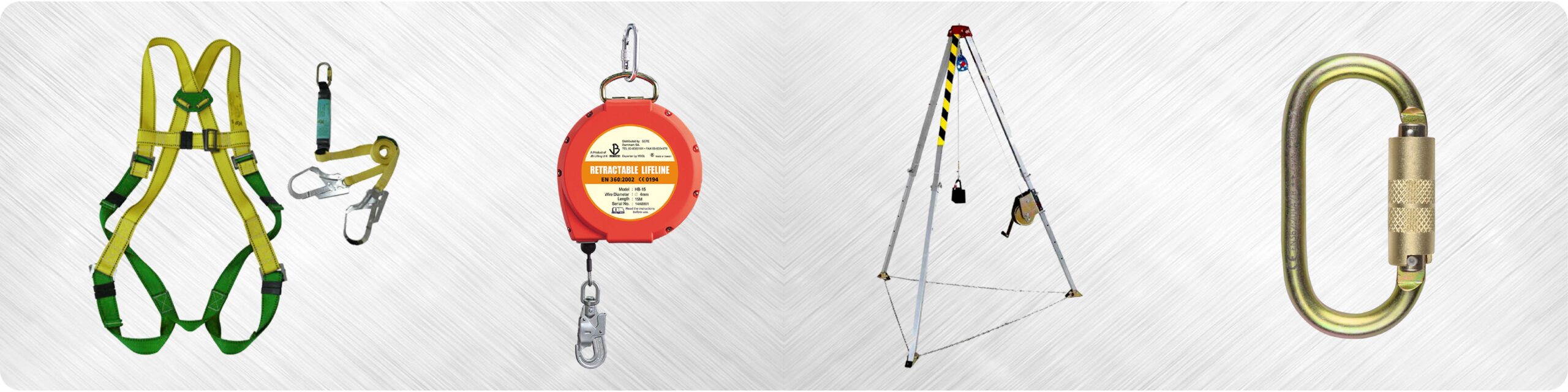
Compatibility with safety harnesses, lanyards, SRLs, and anchor points
Compliance with international safety regulations
Top 10 Industrial Uses for Twist Lock Auto Carabiners in KSA (2025–26)
1. Fall Protection Systems
Twist lock carabiners are extensively used as connectors between:
Full-body harnesses
Lanyards or self-retracting lifelines (SRLs)
Anchor points
Their automatic locking mechanism ensures the carabiner won’t open unintentionally during movement or impact.
2. Confined Space Entry & Rescue
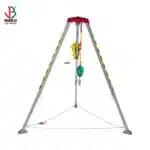
In confined space setups—such as tanks, tunnels, or utility shafts—carabiners connect workers to rescue tripods, winches, or lifelines.
Enables quick harness hook-ups
Minimizes time spent in dangerous zones
Can be operated even with gloves
3. High-Altitude Construction & Scaffolding
From Riyadh’s megaprojects to elevated maintenance in Neom, workers often operate at significant heights. Twist lock carabiners:
Offer fast anchoring during rigging
Work with vertical fall arresters
Prevent accidental unhooking due to vibration or movement
Top Industrial Uses for Twist Lock Auto Carabiners in 2025-26

4. Tower Climbing & Telecom Maintenance
Telecommunication and wind turbine technicians rely on twist lock carabiners for:
Lanyard-to-harness connections
Rescue system setups
Vertical ascent safety
5. Oil & Gas Facility Operations
In the oilfields of Dhahran or offshore rigs in the Gulf, twist lock carabiners are used to:
Secure harnesses in confined spaces
Connect tools to tool lanyards (anti-drop)
Attach personnel to SRLs during inspections or maintenance
6. Rigging & Material Handling
While not a primary rigging component, twist lock carabiners are used for:
Securing taglines
Attaching gear bags or toolboxes to anchor points
Temporary lifting connections under supervision
7. Industrial Rope Access
Technicians in cleaning, painting, and inspection rely on rope access techniques where carabiners are lifelines. Twist lock carabiners:
Help switch anchor points safely
Maintain redundancy in double-rope systems
Are critical for ascending/descending maneuvers
8. Emergency Response & Fire Rescue
In rescue operations, seconds matter. Twist lock carabiners:
Enable rapid anchor-to-harness connections
Aid in stretcher lowering and hoisting
Integrate into belay systems
9. Tool Tethering and Anti-Drop Systems
Falling tools can cause serious injuries. Carabiners are used to secure:
Power tools
Measuring devices
Hand tools
10. Warehouse & Logistics Safety Systems
In warehouses and loading docks, workers operating on platforms or lifts may use carabiners as part of their fall arrest systems:
Connection to overhead anchors
Quick repositioning across platforms
Reliable locking in dynamic environments
Key Buying Considerations at SSTC
When choosing a retractable fall arrester at SSTC, consider:
1. Work Environment Compatibility
Steel cable for rugged, outdoor use.
Webbing for indoor or chemical-sensitive areas.
2. Length and Coverage
Choose according to working height.
6m–15m for standard work; 30m+ for deep access or rescue.
3. Compliance & Certification
Must meet OSHA, ANSI Z359, or EN 360 standards.
SSTC ensures genuine, certified imports only.
4. Ease of Use
Look for SRLs with swivel top, impact indicators, and carrying handles.
5. Brand Reputation
Stick with trusted global manufacturers to avoid counterfeit or low-grade gear.
Why Buy from SSTC in Saudi Arabia?
At Safe and Secure Trading Company (SSTC), we don’t just sell equipment—we deliver safety solutions designed for Saudi Arabia’s industrial backbone. Here’s why industries trust us:
In-stock availability for fast delivery across Riyadh, Dammam, and Jeddah.
Trained safety engineers for consultations and product support.
Authorized distributor of global fall protection brands.
Dedicated team for inspection, servicing, and certification.
Conclusion
Twist Lock Auto Carabiners are a small but powerful tool in ensuring industrial safety. From fall protection to rescue, rigging to tool tethering, their versatility makes them indispensable for every worksite.
At SSTC, we take pride in providing KSA’s top industrial companies with world-class carabiners that meet today’s demands—and tomorrow’s challenges.
Fall Protection OSHA compliance is crucial for workplace safety. This guide offers a step-by-step breakdown to ensure your plan meets all requirements, protecting your team and avoiding costly penalties. Start building your safer workplace now!
This mode enables people with epilepsy to use the website safely by eliminating the risk of seizures that result from flashing or blinking animations and risky color combinations.
Visually Impaired Mode
Improves website's visuals
This mode adjusts the website for the convenience of users with visual impairments such as Degrading Eyesight, Tunnel Vision, Cataract, Glaucoma, and others.
Cognitive Disability Mode
Helps to focus on specific content
This mode provides different assistive options to help users with cognitive impairments such as Dyslexia, Autism, CVA, and others, to focus on the essential elements of the website more easily.
ADHD Friendly Mode
Reduces distractions and improve focus
This mode helps users with ADHD and Neurodevelopmental disorders to read, browse, and focus on the main website elements more easily while significantly reducing distractions.
Blindness Mode
Allows using the site with your screen-reader
This mode configures the website to be compatible with screen-readers such as JAWS, NVDA, VoiceOver, and TalkBack. A screen-reader is software for blind users that is installed on a computer and smartphone, and websites must be compatible with it.
Online Dictionary
Readable Experience
Content Scaling
Default
Text Magnifier
Readable Font
Dyslexia Friendly
Highlight Titles
Highlight Links
Font Sizing
Default
Line Height
Default
Letter Spacing
Default
Left Aligned
Center Aligned
Right Aligned
Visually Pleasing Experience
Dark Contrast
Light Contrast
Monochrome
High Contrast
High Saturation
Low Saturation
Adjust Text Colors
Adjust Title Colors
Adjust Background Colors
Easy Orientation
Mute Sounds
Hide Images
Hide Emoji
Reading Guide
Stop Animations
Reading Mask
Highlight Hover
Highlight Focus
Big Dark Cursor
Big Light Cursor
Cognitive Reading
Virtual Keyboard
Navigation Keys
Voice Navigation
Accessibility Statement
safeandsecureksa.com
13 February 2026
Compliance status
We firmly believe that the internet should be available and accessible to anyone, and are committed to providing a website that is accessible to the widest possible audience,
regardless of circumstance and ability.
To fulfill this, we aim to adhere as strictly as possible to the World Wide Web Consortium’s (W3C) Web Content Accessibility Guidelines 2.1 (WCAG 2.1) at the AA level.
These guidelines explain how to make web content accessible to people with a wide array of disabilities. Complying with those guidelines helps us ensure that the website is accessible
to all people: blind people, people with motor impairments, visual impairment, cognitive disabilities, and more.
This website utilizes various technologies that are meant to make it as accessible as possible at all times. We utilize an accessibility interface that allows persons with specific
disabilities to adjust the website’s UI (user interface) and design it to their personal needs.
Additionally, the website utilizes an AI-based application that runs in the background and optimizes its accessibility level constantly. This application remediates the website’s HTML,
adapts Its functionality and behavior for screen-readers used by the blind users, and for keyboard functions used by individuals with motor impairments.
If you’ve found a malfunction or have ideas for improvement, we’ll be happy to hear from you. You can reach out to the website’s operators by using the following email
Screen-reader and keyboard navigation
Our website implements the ARIA attributes (Accessible Rich Internet Applications) technique, alongside various different behavioral changes, to ensure blind users visiting with
screen-readers are able to read, comprehend, and enjoy the website’s functions. As soon as a user with a screen-reader enters your site, they immediately receive
a prompt to enter the Screen-Reader Profile so they can browse and operate your site effectively. Here’s how our website covers some of the most important screen-reader requirements,
alongside console screenshots of code examples:
Screen-reader optimization: we run a background process that learns the website’s components from top to bottom, to ensure ongoing compliance even when updating the website.
In this process, we provide screen-readers with meaningful data using the ARIA set of attributes. For example, we provide accurate form labels;
descriptions for actionable icons (social media icons, search icons, cart icons, etc.); validation guidance for form inputs; element roles such as buttons, menus, modal dialogues (popups),
and others. Additionally, the background process scans all the website’s images and provides an accurate and meaningful image-object-recognition-based description as an ALT (alternate text) tag
for images that are not described. It will also extract texts that are embedded within the image, using an OCR (optical character recognition) technology.
To turn on screen-reader adjustments at any time, users need only to press the Alt+1 keyboard combination. Screen-reader users also get automatic announcements to turn the Screen-reader mode on
as soon as they enter the website.
These adjustments are compatible with all popular screen readers, including JAWS and NVDA.
Keyboard navigation optimization: The background process also adjusts the website’s HTML, and adds various behaviors using JavaScript code to make the website operable by the keyboard. This includes the ability to navigate the website using the Tab and Shift+Tab keys, operate dropdowns with the arrow keys, close them with Esc, trigger buttons and links using the Enter key, navigate between radio and checkbox elements using the arrow keys, and fill them in with the Spacebar or Enter key.Additionally, keyboard users will find quick-navigation and content-skip menus, available at any time by clicking Alt+1, or as the first elements of the site while navigating with the keyboard. The background process also handles triggered popups by moving the keyboard focus towards them as soon as they appear, and not allow the focus drift outside it.
Users can also use shortcuts such as “M” (menus), “H” (headings), “F” (forms), “B” (buttons), and “G” (graphics) to jump to specific elements.
Disability profiles supported in our website
Epilepsy Safe Mode: this profile enables people with epilepsy to use the website safely by eliminating the risk of seizures that result from flashing or blinking animations and risky color combinations.
Visually Impaired Mode: this mode adjusts the website for the convenience of users with visual impairments such as Degrading Eyesight, Tunnel Vision, Cataract, Glaucoma, and others.
Cognitive Disability Mode: this mode provides different assistive options to help users with cognitive impairments such as Dyslexia, Autism, CVA, and others, to focus on the essential elements of the website more easily.
ADHD Friendly Mode: this mode helps users with ADHD and Neurodevelopmental disorders to read, browse, and focus on the main website elements more easily while significantly reducing distractions.
Blindness Mode: this mode configures the website to be compatible with screen-readers such as JAWS, NVDA, VoiceOver, and TalkBack. A screen-reader is software for blind users that is installed on a computer and smartphone, and websites must be compatible with it.
Keyboard Navigation Profile (Motor-Impaired): this profile enables motor-impaired persons to operate the website using the keyboard Tab, Shift+Tab, and the Enter keys. Users can also use shortcuts such as “M” (menus), “H” (headings), “F” (forms), “B” (buttons), and “G” (graphics) to jump to specific elements.
Additional UI, design, and readability adjustments
Font adjustments – users, can increase and decrease its size, change its family (type), adjust the spacing, alignment, line height, and more.
Color adjustments – users can select various color contrast profiles such as light, dark, inverted, and monochrome. Additionally, users can swap color schemes of titles, texts, and backgrounds, with over seven different coloring options.
Animations – person with epilepsy can stop all running animations with the click of a button. Animations controlled by the interface include videos, GIFs, and CSS flashing transitions.
Content highlighting – users can choose to emphasize important elements such as links and titles. They can also choose to highlight focused or hovered elements only.
Audio muting – users with hearing devices may experience headaches or other issues due to automatic audio playing. This option lets users mute the entire website instantly.
Cognitive disorders – we utilize a search engine that is linked to Wikipedia and Wiktionary, allowing people with cognitive disorders to decipher meanings of phrases, initials, slang, and others.
Additional functions – we provide users the option to change cursor color and size, use a printing mode, enable a virtual keyboard, and many other functions.
Browser and assistive technology compatibility
We aim to support the widest array of browsers and assistive technologies as possible, so our users can choose the best fitting tools for them, with as few limitations as possible. Therefore, we have worked very hard to be able to support all major systems that comprise over 95% of the user market share including Google Chrome, Mozilla Firefox, Apple Safari, Opera and Microsoft Edge, JAWS and NVDA (screen readers).
Notes, comments, and feedback
Despite our very best efforts to allow anybody to adjust the website to their needs. There may still be pages or sections that are not fully accessible, are in the process of becoming accessible, or are lacking an adequate technological solution to make them accessible. Still, we are continually improving our accessibility, adding, updating and improving its options and features, and developing and adopting new technologies. All this is meant to reach the optimal level of accessibility, following technological advancements. For any assistance, please reach out to